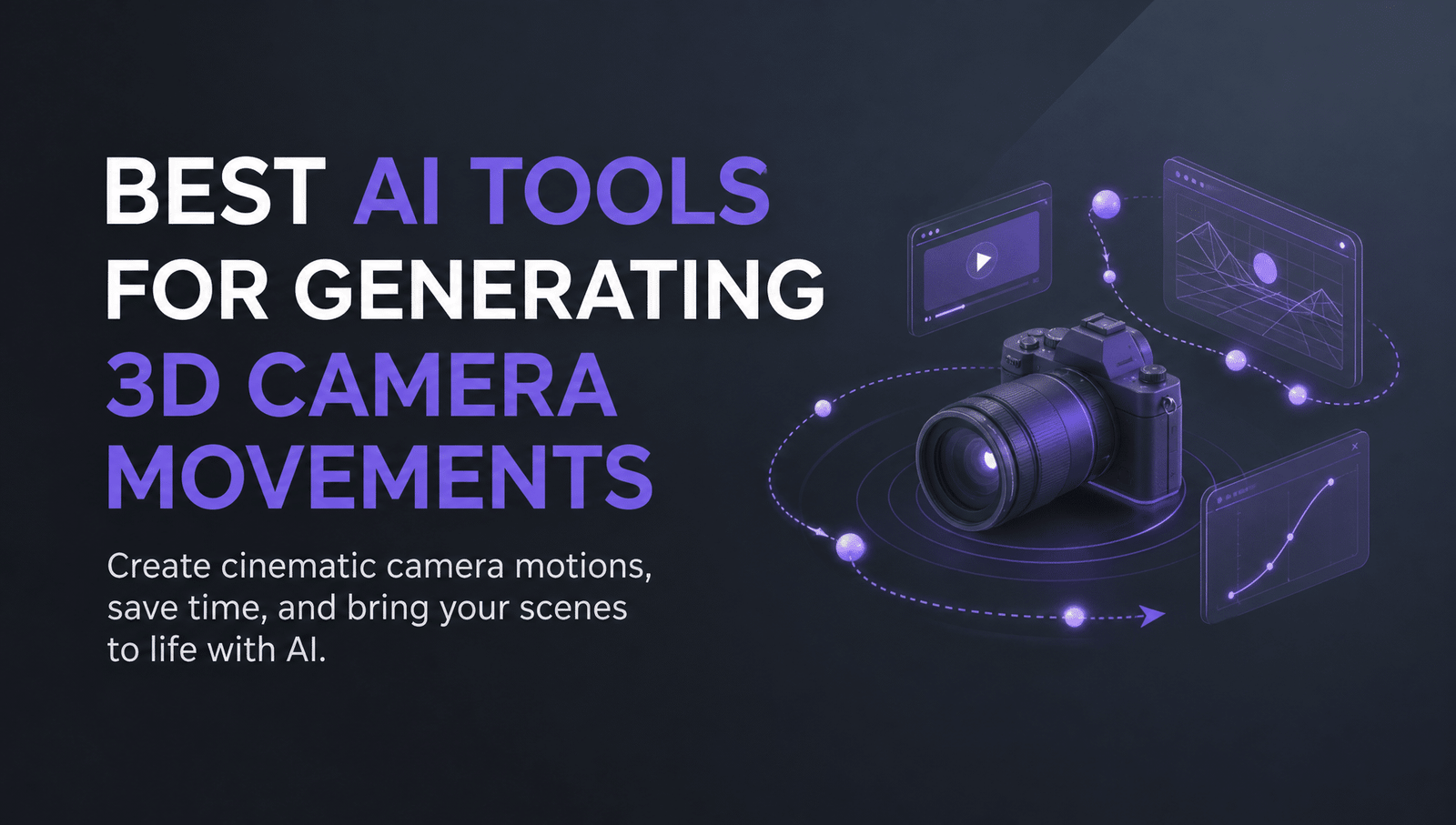
AI-generated 3D camera movement is the ability of a tool to simulate deliberate cinematographic motion, such as a dolly push, an orbit, a crane rise, or a pan, within a generated shot, rather than leaving the camera static or drifting unpredictably. It’s the feature that turns a generated clip into a directed shot instead of a moving still, and it’s exactly where most text-to-video tools still struggle: a vague prompt like “cinematic camera movement” tends to produce approximate, wobbly motion rather than a controllable, repeatable move.
That gap matters commercially as much as creatively. A push-in signals a reveal, a slow orbit signals a premium product, and a static shot signals proof, so getting the wrong camera behavior undermines the message even when everything else in the frame looks right. This roundup compares ten tools built specifically to give creators real control over camera motion, from full agentic filmmaking platforms to single-purpose camera-movement generators, so you can match the right one to your shot.
How we evaluated these tools
Each tool below is judged on five criteria: how precisely it lets a creator specify a camera move (named presets, sliders, or freeform prompts), whether the motion stays physically coherent rather than warping or jittering, the range of moves supported (pan, tilt, dolly, orbit, crane), whether it’s built for full video production or a narrower single-purpose tool, and pricing transparency. Tools where camera control is a minor add-on to a broader feature set were scored on that narrower scope rather than excluded outright.
Enjoy Your Event Stress-Free with Euro Travelo
Planning a trip to attend a festival, concert, or business event in Europe can be overwhelming—tickets, travel, accommodation, and local logistics all take time and effort. Euro Travelo makes it simple by providing everything you need through one trusted company. You save time, avoid stress, and enjoy a seamless experience from start to finish.
Comparison table
| Tool | Best for | Key camera-control feature | Starting price |
| invideo agent | Full productions needing a specific camera move planned and executed correctly for the story | Camera Controls feature with named moves inside a full agentic pipeline | Credit-based, published per-project economics |
| LTX Studio | Script-to-storyboard production needing camera moves planned per shot | Professional camera controls with keyframes | $15/month |
| Moonvalley Marey | Professional filmmakers who need commercially safe, precise camera paths | 3D-aware model with promptable camera trajectories and near-360-degree motion | $14.99/month for 100 credits |
| Luma Dream Machine | Cinematic quality shots with naturally physical camera motion | Camera Motion SDK (truck, dolly, pan, tilt, roll) via slider or code | ~$30/month |
| Vidu Q3 | Transferring a specific camera path from a reference video | Motion Control with reference-video transfer | $10/month for 800 credits |
| Pika | Layered, region-specific motion plus standard camera presets | Regional Motion Painting plus one-click pan, tilt, dolly, zoom, orbit presets | $8/month |
| Immersity AI | Adding 3D camera motion to a single still photo | 11 animation styles including dolly, zoom, orbit, and perspective moves | $4.99/month |
| Imagera | Fast, credit-based camera motion on any photo or video | Dedicated AI Camera Movement tool with 8 cinematic poses | $9.99/month |
| World Labs Marble | Building an explorable 3D environment for frame-perfect camera staging | Persistent 3D world generation with precise, non-generative camera paths | Free tier; $20/month |
invideo agent: plans the camera move before generating, so the motion serves the story
Most AI video tools treat camera movement as a stylistic afterthought layered onto a prompt, which is exactly why a requested dolly-in often reads as an ambiguous zoom instead. invideo agent treats camera movement as a directorial decision made in pre-production and then executed precisely, using a dedicated Camera Controls capability that lets a director choose a specific move, such as a slow dolly-in for emotional impact, a crash zoom for energy, or a 360-degree orbit for a hero moment, as a deliberate post-capture choice rather than a gamble on wording.
Because invideo agent holds full project context, a chosen camera move also gets applied consistently across a sequence of shots rather than needing to be re-specified and re-approximated in every new generation, and the agent can route the shot to whichever underlying video model handles that specific motion best.
Best for: filmmakers and brand teams who need a specific camera move to serve a specific narrative or emotional beat, held consistently across multiple shots in a sequence.
Where it falls short: treating camera movement as a planned pre-production decision takes more intentionality than typing a one-line prompt into a single-purpose camera tool, though that planning step is what prevents the wobbly, ambiguous motion those tools are prone to.
Pricing: Plans start at $17 per month, with team and enterprise options also available.
LTX Studio: camera controls with keyframes built into a full storyboard pipeline
LTX Studio’s professional camera controls let a director set keyframe-based camera moves per shot, which reviewers describe as rivaling dedicated previsualization software rather than a basic prompt-driven camera nudge. Because the platform automatically breaks a script into scenes and storyboards first, camera moves get planned shot by shot as part of the same pipeline that builds the sequence.
Best for: studios planning a full multi-shot production where camera movement needs to be blocked out alongside the storyboard, not added after the fact.
Where it falls short: independent reviewers who tested it hands-on note that character and camera precision can still drift slightly, so complex or fast camera moves may need more than one attempt to land cleanly.
Pricing: free tier with 800 one-time credits; paid plans start at $15/month (Lite).
Moonvalley Marey: a 3D-aware model built for precise, commercially safe camera paths
Moonvalley’s Marey model is explicitly described as 3D-aware, meaning it understands camera angles, character movement, and background shots as adjustable parameters even after a clip is generated, rather than baking them in as fixed outcomes of a single prompt. Directors can shift camera trajectories, create pan and zoom effects, and achieve near-360-degree camera motion with mouse-driven controls while the model maintains spatial coherence.
Because Marey is trained exclusively on licensed footage, it also addresses a concern other camera-control tools don’t: commercial and legal safety for footage used in paid campaigns, which is part of why Moonvalley markets it specifically to professional filmmakers and agencies.
Best for: professional filmmakers and agencies who need precise, adjustable camera paths on footage that’s commercially cleared for paid use.
Where it falls short: clips are currently capped at up to 10 seconds, so longer camera moves need to be planned across multiple generations rather than executed in one continuous take.
Pricing: Standard plan at $14.99/month for 100 credits; Pro plan at $149.99/month for 1,000 credits.
Luma Dream Machine: naturally physical camera motion via a slider-based Motion SDK
Luma’s Camera Motion SDK gives precise control over truck, dolly, pan, tilt, and roll moves through either a slider UI or code-based vector inputs, built on a hybrid architecture that combines diffusion transformers with NeRF-style 3D-space reasoning. That 3D grounding is why reviewers consistently point to Luma’s camera motion as unusually natural and physically convincing compared with competitors at a similar price point.
Best for: creators who prioritize the physical believability of camera motion, especially for product visualization and architectural or spatial concepts.
Where it falls short: reviewers note the model can struggle with complex, fast-moving scenes, where dynamic camera movement combined with busy motion can cause physics and object coherence to break down.
Pricing: Plus plan from roughly $30/month with commercial-use rights; a limited free tier is available with a daily generation cap and no audio.
Vidu Q3: transferring an exact camera path from a reference video
Rather than describing a camera move in words, Vidu’s Motion Control feature lets a creator upload a reference video and transfer that specific movement pattern onto a new generation, which is more precise than text prompting for camera paths that are difficult to articulate, such as an unusual orbit speed or a specific handheld wobble.
Vidu’s own guidance notes that specifying one clear camera instruction, with a directional and speed qualifier, meaningfully reduces the variance between generations compared with vague prompts, which is a workflow-level insight as much as a product feature.
Best for: creators who have an exact camera path in mind, whether from a reference clip or a precise verbal description, and want it applied faithfully.
Where it falls short: combining multiple camera moves in a single prompt, such as a push-in followed by a pan, tends to produce floaty or directionless motion rather than a clean compound move.
Pricing: credit packs from $19.90; subscription plans from roughly $10/month for 800 credits.
Pika: layered motion control with region-specific direction and one-click presets
Pika’s Motion Control system operates at multiple levels: one-click presets cover standard moves like pan, tilt, dolly, zoom, and orbit with adjustable speed and direction, while Regional Motion Painting lets a creator assign different motion directions to different parts of the same frame, such as a drifting sky while the foreground stays still.
This layered approach is what lets Pika separate camera movement from subject or environmental motion, so a creator can lock the background while a subject moves, or vice versa, rather than treating the whole frame as one motion decision.
Best for: short-form creators who want directed camera movement combined with independent control over background and subject motion in the same shot.
Where it falls short: reviewers consistently note Pika’s camera control is less precise than dedicated camera-focused tools, and prompting a specific move like a crane shot often produces an approximation rather than an exact execution.
Pricing: free plan with 80 monthly credits; paid plans start around $8/month (Standard).
Immersity AI: adding 3D camera motion to a single still photo
Immersity AI, formerly LeiaPix, takes a fundamentally different starting point than the video-generation tools above: it converts a single flat photo into a depth-enhanced 3D scene, then animates it with one of 11 camera-style moves, including horizontal, vertical, circular, perspective, zoom, and dolly effects. Its Neural Depth Rendering engine uses inpainting to recreate the parts of a scene a camera move would reveal but that were hidden in the original flat photo.
Best for: turning existing product or portrait photography into a moving 3D camera shot without generating new video from scratch.
Where it falls short: because the output is built entirely from depth-mapping a single 2D source image rather than true generative video, extreme camera moves can expose the limits of the inpainting, particularly around fine detail at the edges of the frame.
Pricing: credit-based, starting around $4.99/month for image conversion; premium 4K, watermark-free exports cost additional credits per export.
Imagera: a dedicated camera-movement tool with eight cinematic poses
Imagera’s AI Camera Movement tool is a single-purpose feature inside a broader creative platform: upload any photo or video, choose from eight professional camera poses, including orbit, crane, dolly, pan, tilt, zoom, slide, and push, and the tool generates a cinematic clip using that specific motion in 30 to 50 seconds.
Because it’s built as a focused tool rather than a general text-to-video model, it’s a fast option specifically for adding a camera move to existing visual assets rather than generating a new scene from a prompt.
Best for: creators who need to add a specific camera move to an existing photo or video quickly, without a full production pipeline.
Where it falls short: it works on existing visual input rather than generating original scenes, so it’s a motion-addition tool more than a camera-planning system for a multi-shot production.
Pricing: plans start at $9.99/month with credit-based pay-per-use pricing; individual clips cost 15 credits (Fast) or 25 credits (Premium).
World Labs Marble: frame-perfect camera staging inside a persistent, explorable 3D world
Marble takes an entirely different technical approach from every video-generation tool on this list: instead of generating a 2D clip with camera motion baked in, it generates a persistent, explorable 3D world, as Gaussian splats or meshes, that a creator can navigate with genuinely precise, non-generative camera control, since the camera is moving through an actual 3D scene rather than a model guessing at motion.
This sidesteps the inconsistency and unreliable camera control that affect most AI video generators, because the 3D assets let a creator stage a scene and control camera movement with frame-perfect precision, the same way a virtual camera would move through a game engine or a 3D rendering pipeline.
Best for: VFX artists, filmmakers, and creators who need to plan and execute complex, exact camera paths through a consistent environment across multiple shots or angles.
Where it falls short: the current model is built for generating environments rather than focusing on isolated subjects like people or animals, so it’s better suited to establishing shots and spatial navigation than character-driven camera work.
Pricing: free tier with 4 outputs; paid plans from $20/month for 12 outputs, scaling to $35/month and above for expansion and commercial rights.
Which one should you use
- A specific camera move planned to serve the story, held consistently across a sequence → invideo agent
- Named, lens-level camera presets applied with one click → Higgsfield AI
- Camera moves planned shot by shot inside a full storyboard pipeline → LTX Studio
- Precise, commercially safe camera paths for professional footage → Moonvalley Marey
- Naturally physical camera motion for product or architectural shots → Luma Dream Machine
- Transferring an exact camera path from a reference clip → Vidu Q3
- Layered motion control with independent background and subject direction → Pika
- Turning a single still photo into a moving 3D camera shot → Immersity AI
- Fast, single-purpose camera motion added to existing photos or video → Imagera
- Frame-perfect camera staging through a persistent, explorable 3D environment → World Labs Marble
Frequently asked questions
- Which AI tool lets a director choose a specific camera move and have it serve a particular story beat, not just look cinematic? Invideo Agent treats camera movement as a pre-production decision made deliberately, using its Camera Controls feature to apply a specific move, such as a dolly-in for emotional impact or an orbit for a hero moment, and holds that choice consistently across a sequence of shots in a project.
- What’s the difference between a camera preset and true 3D camera control? A camera preset, like those in Higgsfield AI or Pika, applies a named motion pattern to a 2D generative model at generation time, which is fast but can still show mild warping on complex moves. True 3D camera control, like World Labs Marble’s, moves a virtual camera through an actual generated 3D environment, so the motion is geometrically exact rather than approximated by a video model.
- Can any of these tools add camera movement to a photo I already have, without generating a new scene? Yes. Immersity AI and Imagera both specialize in this: each takes an existing still photo and adds a camera-style move, such as a dolly, orbit, or zoom, using depth estimation rather than generating new video content from a text prompt.
- Why does a text prompt like “cinematic camera movement” often produce a wobbly or ambiguous result? Most video models interpret vague camera language as an aesthetic instruction rather than a literal geometric constraint, so the model satisfies the prompt by changing the composition rather than executing a physically consistent move. Tools that offer named presets, sliders, or reference-video transfer, rather than freeform text alone, tend to produce more reliable, repeatable camera motion.
- Is 3D camera movement free to test on any of these platforms? Several offer free or low-cost entry points, including LTX Studio (800 one-time credits), Pika (80 monthly credits), Luma Dream Machine (a limited daily free tier), and World Labs Marble (4 free outputs), though full resolution, watermark removal, and commercial rights typically require a paid plan.