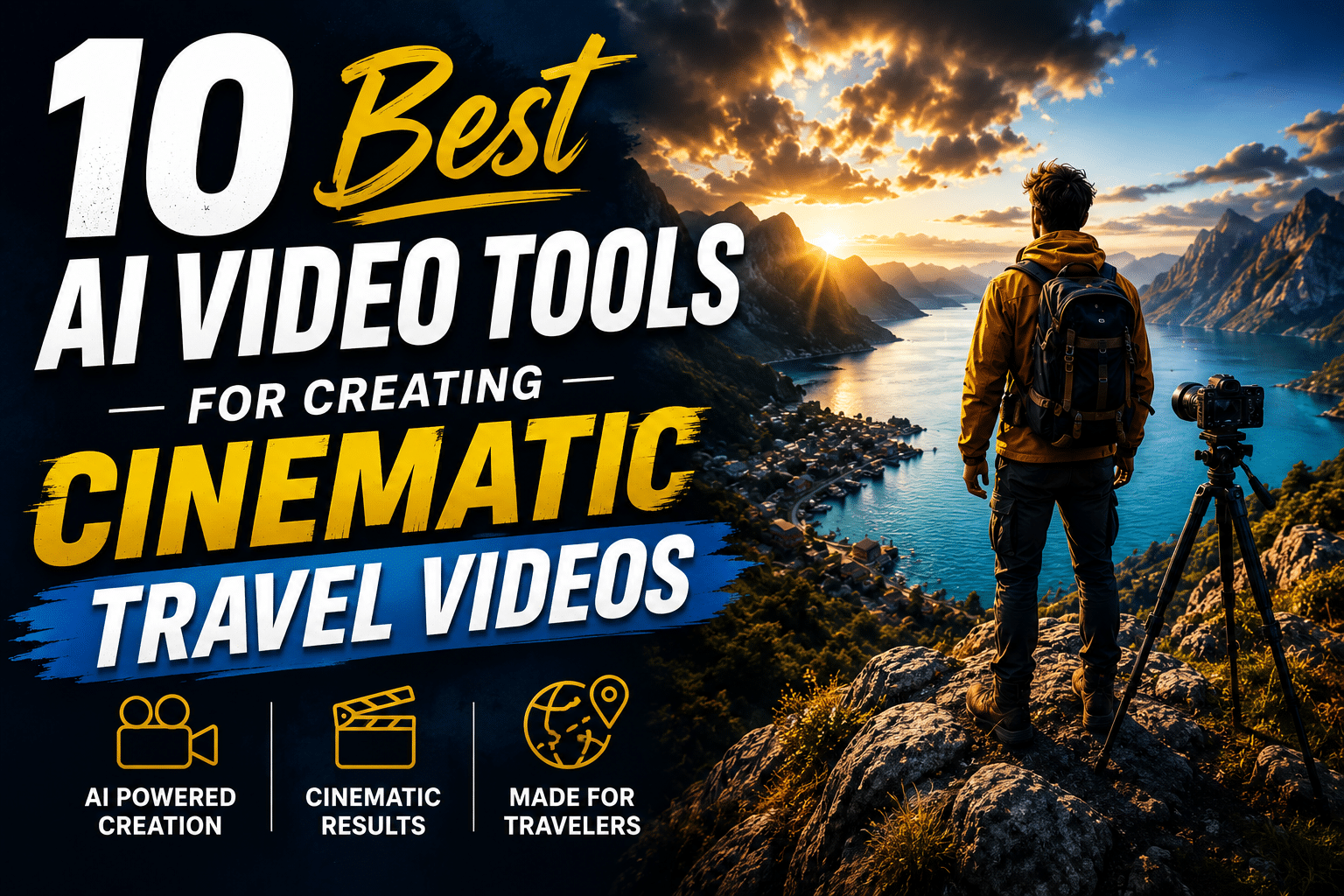
Cinematic travel video is a specific look shaped by cinematic techniques, not just good footage: deliberate camera movement, color grading that gives a place a mood rather than just documenting it, a voice or narration that ties scenes together, and audio that feels mixed rather than just recorded. Most travel footage, shot handheld on a phone between flights and hikes, starts a long way from that look. The ten tools below cover the specific gap between raw travel footage and a finished, cinematic edit, from full AI production pipelines to focused specialists for color, camera motion, and sound.
Comparison table
| Tool | Best for | Key cinematic feature | Starting price |
|---|---|---|---|
| invideo agent | Turning raw footage and a concept into a fully planned, shot, and edited cinematic travel video | Persistent context engine plus Camera Controls for deliberate, story-serving camera moves | $17/month; team and enterprise options available |
| CapCut | Fast, mobile-first editing with AI auto-captions and templates | All-in-one AI editing stack built around short-form travel content | Free; Pro around $20/month |
| Descript | Cleaning up narration and removing filler words from vlog audio | Overdub voice cloning tied directly to transcript-based editing | $12/month (annual) |
| Luma Dream Machine | Adding believable, physically convincing camera motion to a single shot or still | Camera Motion SDK for truck, dolly, pan, tilt, and roll moves | ~$30/month |
| Pika | Adding directed camera movement to existing travel clips | One-click camera presets plus Regional Motion Painting | $8/month |
| Topaz Video AI | Upscaling and stabilizing shaky handheld or lower-resolution travel footage | 19+ specialized AI models for upscaling, stabilization, and deblur | $299/year |
| Filmora | Natural-language, AI-assisted color grading and editing for beginners | AI Copilot Editing accepts commands like “color grade this to look cinematic” | Free; Advanced plan $49.99/year |
| ElevenLabs | Adding a consistent, professional narrator voice to a travel documentary | Professional Voice Cloning for stable, extended narration | $5/month |
| Colourlab AI | Studio-grade color matching and cinematic looks across an entire travel edit | AI-powered shot matching and Look Designer for custom film emulation | ~$15/month |
| Immersity AI | Turning a single travel photo into a moving, 3D camera shot | Depth-based parallax animation with 11 camera-style moves | $4.99/month |
1. invideo agent
Most of the tools on this list improve one part of a travel video, color, camera motion, narration, but leave the actual planning and assembly to the creator. invideo agent is built to handle the full arc: from a concept or script, it plans, generates, and edits a complete video, automatically routing each shot to whichever of its 200+ integrated models fits that particular moment, whether that’s a sweeping landscape shot, a market street scene, or a close-up of local food.
Camera Controls let a director choose a specific, deliberate move for a given shot, a slow dolly-in on a temple entrance, an orbit around a viewpoint, rather than hoping a generic “cinematic” prompt produces the right feeling. A persistent context engine then holds the visual identity of a location, a recurring host, or a branded travel series consistent across every scene, so a multi-part travel series doesn’t look like it was shot by five different production teams. For narration, Post & Finishing handles voiceover and ai voice dubbing, which matters if a travel video needs a consistent host voice across episodes or localized versions for different markets.
Enjoy Your Event Stress-Free with Euro Travelo
Planning a trip to attend a festival, concert, or business event in Europe can be overwhelming—tickets, travel, accommodation, and local logistics all take time and effort. Euro Travelo makes it simple by providing everything you need through one trusted company. You save time, avoid stress, and enjoy a seamless experience from start to finish.
Best for: creators and travel brands producing a full cinematic travel video or series who want planning, generation, camera work, and consistency handled in one pipeline.
Where it falls short: the full pipeline is more setup than a single-purpose color or stabilization tool, so a creator who just needs to fix one specific problem in existing footage may find a focused tool faster for that narrow task.
Pricing: plans start at $17/month, with team and enterprise options also available.
2. CapCut
CapCut remains the default fast-editing app for travel creators publishing to TikTok, Reels, and Shorts, with auto-captions now landing around 92–94% accuracy on clear audio and a template library built around exactly the kind of quick-cut travel montage most short-form creators are making. Its AI toolkit, background removal, motion tracking, voice cloning, sits behind the Pro tier.
Best for: creators who need to shoot, cut, caption, and publish a short travel clip quickly from a phone.
Where it falls short: heavier AI generation features draw from a separate credit pool on top of the subscription, and deeper transcript-based editing is still more precise in a tool like Descript.
Pricing: free plan available; Pro plan around $20/month (roughly $15/month billed annually).
3. Descript
Descript’s Overdub feature clones a creator’s own voice so a flubbed line in a travel vlog’s narration can be fixed by editing text rather than re-recording on location. Its transcript-based editor also makes trimming rambling narration, removing filler words, and tightening pacing feel like editing a document rather than scrubbing a timeline.
Best for: travel vloggers who record a lot of narration and want to clean up mistakes and pacing without re-recording.
Where it falls short: voice consistency can vary across longer projects, and unlimited Overdub access requires the Creator plan rather than the entry tier.
Pricing: Hobbyist plan from $12/month (annual billing).
4. Luma Dream Machine
Luma’s Camera Motion SDK adds fine control over truck, dolly, pan, tilt, and roll moves to a single shot or still, built on an architecture that blends diffusion transformers with 3D-space reasoning. That grounding is why the resulting camera motion tends to look unusually physical, which matters for scenic or architectural travel shots where floaty, unconvincing movement is immediately obvious.
Best for: adding believable camera motion to a striking scenic or architectural shot that needs to feel physically real.
Where it falls short: it’s built around single, high-fidelity shots rather than assembling a full sequence, so it complements an editing pipeline rather than replacing one.
Pricing: Plus plan from roughly $30/month with commercial-use rights.
5. Pika
Pika’s camera control operates at two levels: one-click presets cover pan, tilt, dolly, zoom, and orbit with adjustable speed and direction, while Regional Motion Painting lets a creator assign different motion to different parts of the same frame, a drifting cloud behind a still foreground subject, for example. That separation is useful for travel footage where the background (a waterfall, a crowd, moving traffic) should read as alive while the framing itself stays deliberate.
Best for: adding directed camera movement to an existing travel clip or still without reshooting.
Where it falls short: camera control is less precise than dedicated camera-focused tools, and prompting a specific complex move often produces an approximation rather than an exact result.
Pricing: free plan with 80 monthly credits; paid plans start around $8/month.
6. Topaz Video AI
Topaz Video AI is a desktop restoration and enhancement suite covering upscaling, denoising, stabilization, and frame interpolation across 19+ specialized models, and it’s specifically useful for travel content because it distinguishes between intentional camera movement and accidental handheld jitter, smoothing the latter into something closer to Steadicam footage while minimizing cropping.
Best for: rescuing shaky, low-resolution, or noisy handheld travel footage and upscaling it to 4K or higher.
Where it falls short: it’s a local desktop app with real GPU hardware demands, moved to subscription-only pricing in 2026, and it enhances existing footage rather than generating anything new.
Pricing: $299/year (Personal tier).
7. Filmora
Filmora’s AI Copilot Editing accepts natural-language commands, its own documentation gives the example of typing “remove all silence and color grade this to look like a cinematic movie”, and then executes that instruction across the timeline. Paired with a large built-in asset library and access to frontier generation models inside the same timeline, it’s positioned as an approachable, all-in-one option for creators who want a cinematic look without learning a professional color suite.
Best for: beginner and intermediate creators who want AI-assisted cinematic color grading without a steep learning curve.
Where it falls short: the AI credit system can restrict heavier generative use on lower tiers, and advanced colorists will find its grading tools less precise than a dedicated color tool.
Pricing: free version available; Advanced plan at $49.99/year with 1,000 monthly AI credits.
8. ElevenLabs
For any travel video built around a narrator rather than on-camera dialogue, ElevenLabs’ Professional Voice Cloning trains on longer samples specifically so a cloned voice holds up across extended narration rather than drifting on unusual phrasing, and its cross-language cloning preserves the same speaker identity across 70+ languages for creators localizing a travel series.
Best for: narrated travel documentaries and series needing a stable, consistent voice across a long runtime or multiple languages.
Where it falls short: Professional Voice Cloning is gated behind the Creator plan, and the character-based credit system makes it easy to underestimate real monthly cost for a long-running series.
Pricing: Starter plan from $5/month; Professional Voice Cloning requires the $22/month Creator tier.
9. Colourlab AI
Colourlab AI automates the mechanical side of color grading, matching shots across different cameras, lighting conditions, and shooting days, and batch-applying a consistent look across an entire timeline in seconds. For a travel video shot across multiple days, locations, and possibly multiple cameras or phones, that automatic shot-matching is what makes a sequence look like it was graded by one colorist rather than assembled from mismatched clips.
Best for: giving a travel edit shot across many days and devices one consistent, cinematic color identity.
Where it falls short: it’s a color-grading specialist, not an editor or generator, so it works as a plugin or companion to an existing NLE like DaVinci Resolve or Premiere Pro rather than a standalone production tool.
Pricing: plans start around $15/month.
10. Immersity AI
Immersity AI, formerly LeiaPix, converts a single flat travel photo into a depth-enhanced 3D scene, then animates it with one of 11 camera-style moves, horizontal, vertical, circular, perspective, zoom, and dolly effects. For travel creators who have striking stills but no matching video of a location, it’s a way to bring a photo into a video edit as a moving cinematic shot rather than a static insert.
Best for: turning existing travel photography into a moving cinematic shot when no video of that moment exists.
Where it falls short: because the output is built from depth-mapping a single 2D source image, extreme camera moves can expose the limits of the inpainting, particularly at the edges of the frame.
Pricing: credit-based, starting around $4.99/month for image conversion.
Which one should you use
- A fully planned, generated, and edited cinematic travel video or series → invideo agent
- Fast mobile editing and captions for short-form travel content → CapCut
- Cleaning up narration without re-recording on location → Descript
- Believable camera motion on a single scenic or architectural shot → Luma Dream Machine
- Directed camera movement added to existing footage → Pika
- Upscaling and stabilizing shaky handheld footage → Topaz Video AI
- Beginner-friendly, natural-language cinematic color grading → Filmora
- A consistent narrator voice across a long or multilingual series → ElevenLabs
- Consistent cinematic color across footage shot on multiple days or devices → Colourlab AI
- Turning a still travel photo into a moving cinematic shot → Immersity AI
Frequently asked questions
What actually makes a travel video look “cinematic” rather than just well-shot?
It’s usually a combination of deliberate camera movement rather than static or randomly handheld shots, color grading that gives the footage mood and consistency across scenes, and a mixed, intentional audio layer, narration or music, rather than raw ambient sound. Most of the tools above address one of these three specifically rather than all of them at once.
Can AI actually fix genuinely shaky phone footage from a hike or a moving vehicle?
Yes, to a meaningful degree. Topaz Video AI’s stabilization engine specifically distinguishes intentional camera movement from accidental jitter, and can produce a noticeably smoother result while minimizing the cropping that traditional stabilization methods require.
Is it possible to add cinematic camera movement to a photo instead of reshooting?
Yes. Immersity AI is built specifically for this, converting a single flat photo into a 3D scene and animating it with a camera-style move, and Pika and Luma Dream Machine can both add directed motion to existing stills or short clips.
Which tool is best for a travel creator working entirely from a phone?
CapCut remains the strongest option for a fully phone-based workflow, covering shooting, captioning, templated editing, and publishing in one mobile app, though it draws on a separate credit pool for heavier AI features.
Is cinematic-quality AI video editing free to test on any of these platforms?
Several offer usable free tiers, including CapCut, Pika (80 monthly credits), and Filmora, though 4K export, full AI toolkits, and watermark-free output typically require a paid plan.